
Searching/Filtering Tickets
Screen Navigation: AIOps > Project > Tickets

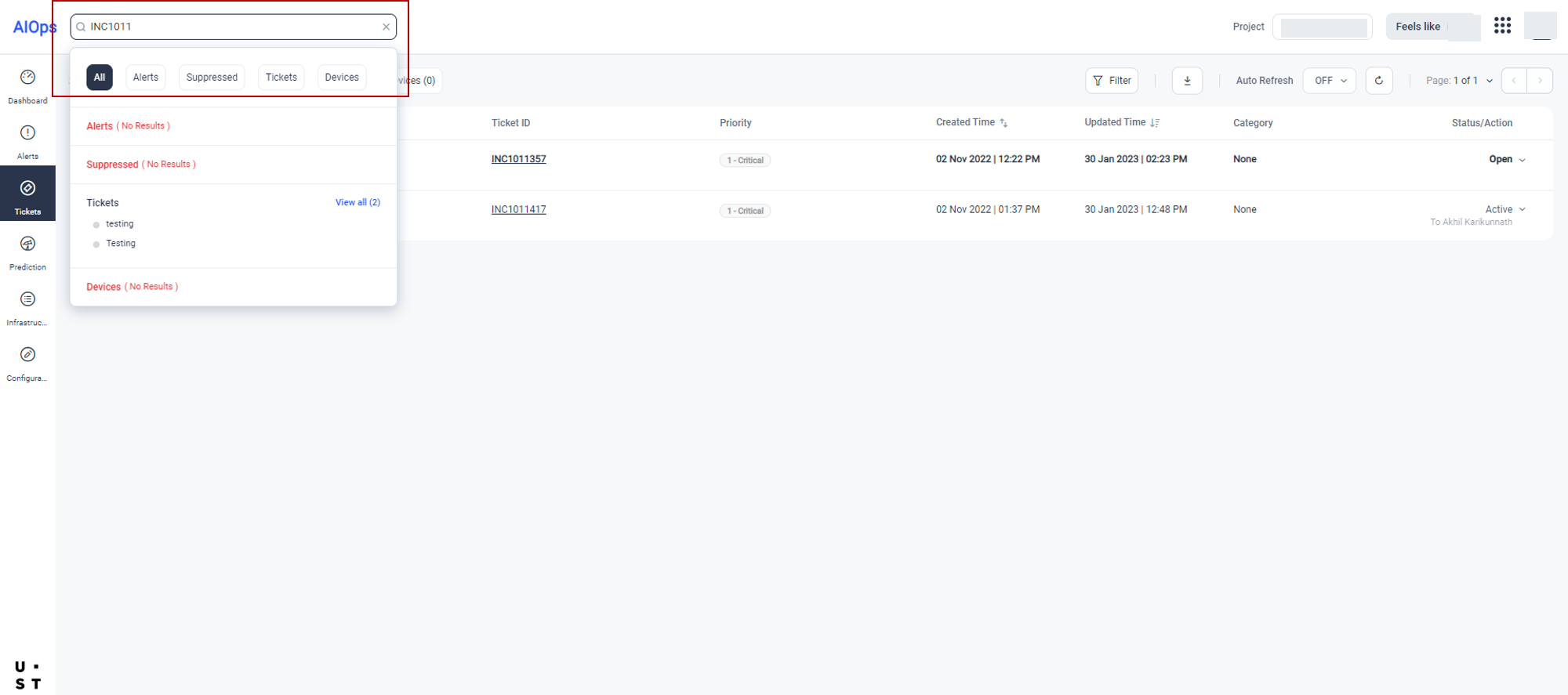
AIOps allows you to search and list tickets using partial or full ticket Id.
Enter the partial or full ticket Id in the Search box and press Enter. Here you have the option to, specify whether to search in Alerts, Tickets, Devices etc. The ticket(s) with the specified search criteria will get displayed as shown below.
To filter the tickets, click on the filter option from the ticket listing page and select the desired filter criteria.
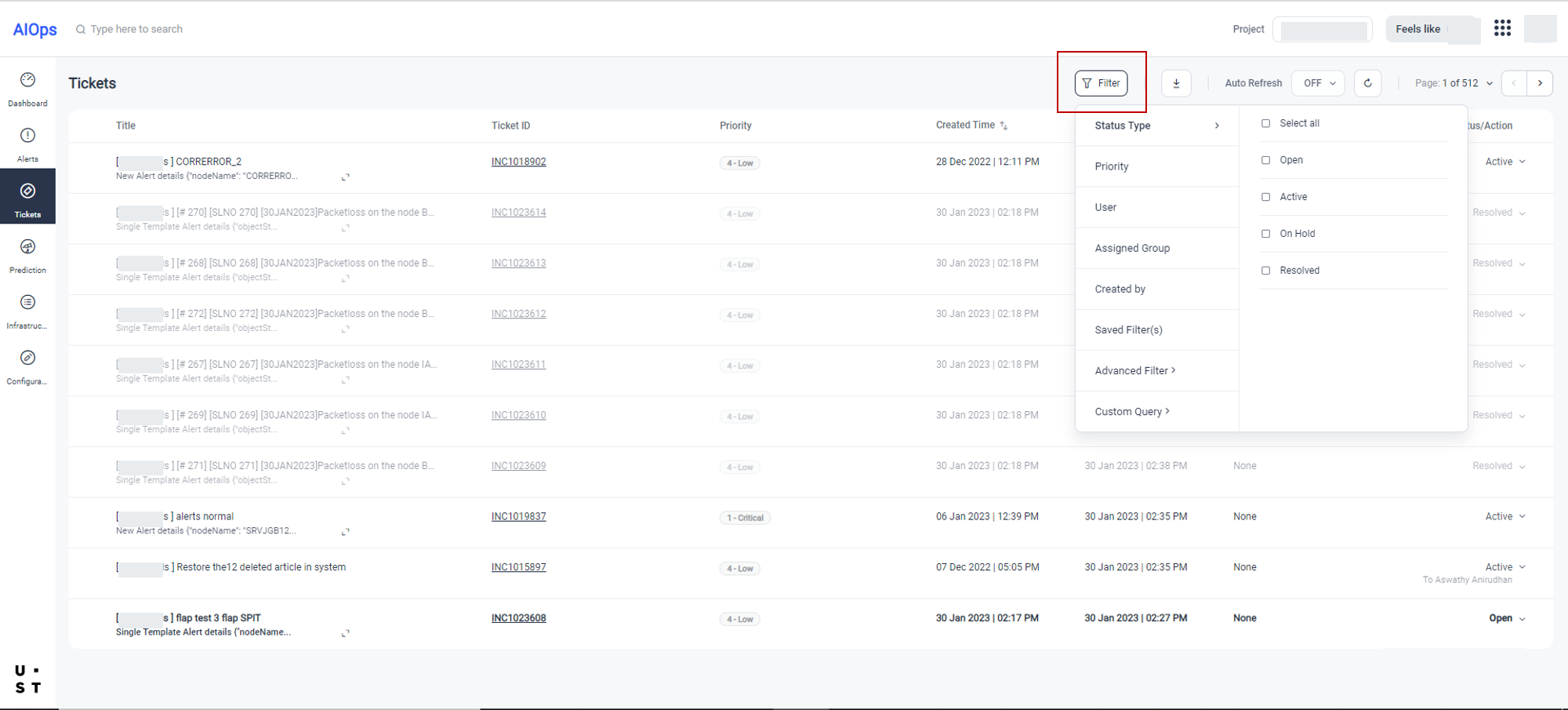
You can filter the tickets based on Status Type, Priority, User, Assigned Group or Created By option. You can select a saved filter from the Saved Filter option.
You can add a new filter using the Advanced Filter option.
You can add Custom Query filter by writing Queries using the ticket fields.
Newly created filters will get listed in the Saved Filter option.
On applying the filter, the ticket(s) with the specified filter criteria will get displayed.
Copyright © 2025 UST . All Rights Reserved.